Tessera Office
An office editor for documents, spreadsheets and presentations that carry a NATO confidentiality label. The marking is always on screen, and every save produces a sealed document. Available for Windows and Linux.
Tessera Office opens protected documents directly from the Tessera Datalake or from a local folder. The key to a document is released only after the key access service has checked the reader's clearance against the document's label. The document is then opened for editing with no extra step for the user.
The editor works in the Office Open XML formats (.docx,
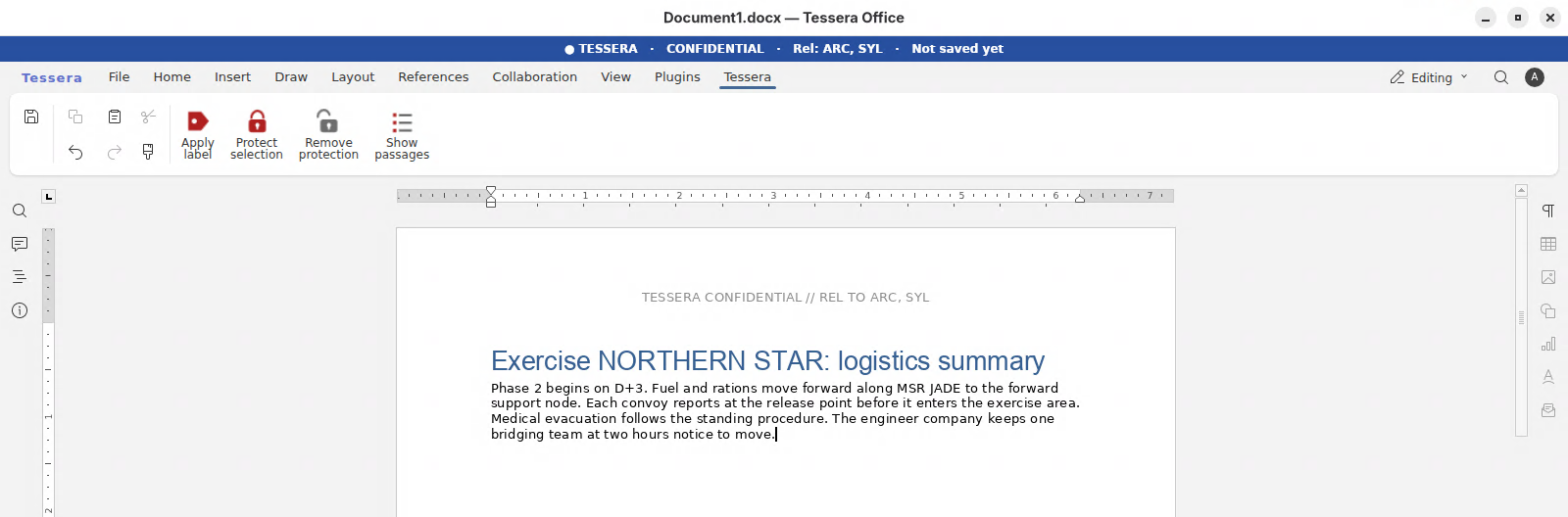
.xlsx, .pptx). Its interface follows the ribbon layout
that Microsoft Office users know, so no retraining is needed.
The same application runs on Windows and on Tessera Desktop for Linux. A document written on one platform opens on the other with the same marking and the same protection.
Every function that touches the label is part of the editor, not an add-on to it.
A banner above the ribbon shows the classification and releasability of the open document, with one colour for each level. A document without a label says so in the banner.
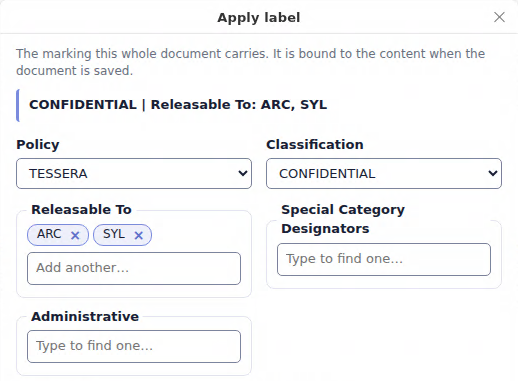
The classifications and categories on offer are read from the domain's security policy (XMLSPIF). The page marking is written into the document in the form the policy prescribes.
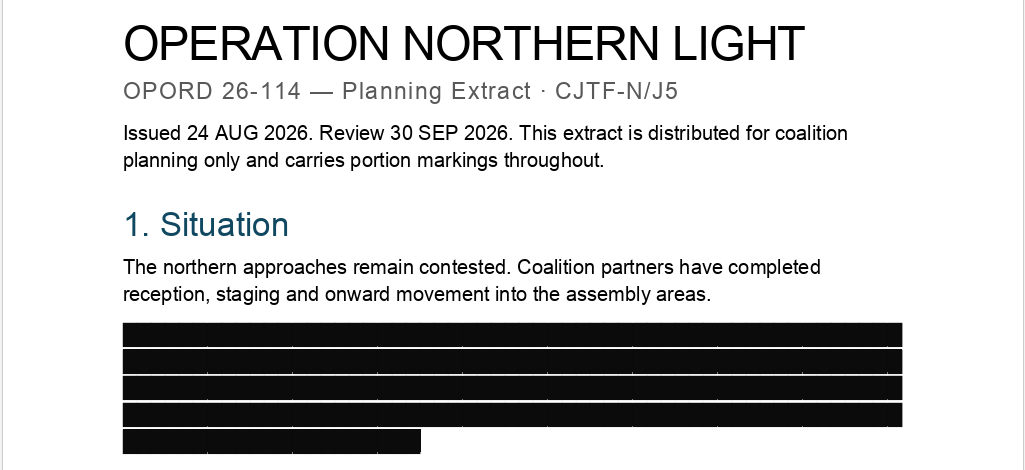
Select a passage and give it its own marking. Readers cleared for the passage see it in place. Other readers open the rest of the document, and the passage stays encrypted.
Saving binds the label to the content with a digital signature and encrypts the result. A change to the content or to the label after sealing is detected when the document is opened.
Documents travel to and from the datalake in sealed form. Storage nodes never hold a readable copy and never hold the keys.
One editor, one document format and one set of markings on both platforms. Users move between a Windows workstation and Tessera Desktop without conversion.
The screenshots use TESSERA, a fictional demonstration policy, and fictional exercise content. No real classification marking is shown.
Standards implemented in Tessera Office
ADatP-4774 ADatP-4778 ADatP-5636 ADatP-5674 XMLSPIF v2.1/v3.0 Office Open XML