Tessera Desktop
A Linux desktop that carries the Tessera applications and little else. The session is confined, documents live in the Tessera Datalake, and every window shows the marking of what it displays.
A general-purpose workstation offers many ways to copy data out of its protection: a browser, a terminal, removable media, a printer. Tessera Desktop removes them. The user works with the Tessera applications, and each of them enforces the label of the document it shows.
The session is confined before the desktop starts. Every application the user runs inherits the confinement and cannot widen it. The user can write to their own files and to the datalake, and nowhere else on the machine.
Tessera Desktop uses the same key access services, identity provider and datalake as Tessera for Windows. Users and documents move between the two platforms without conversion.
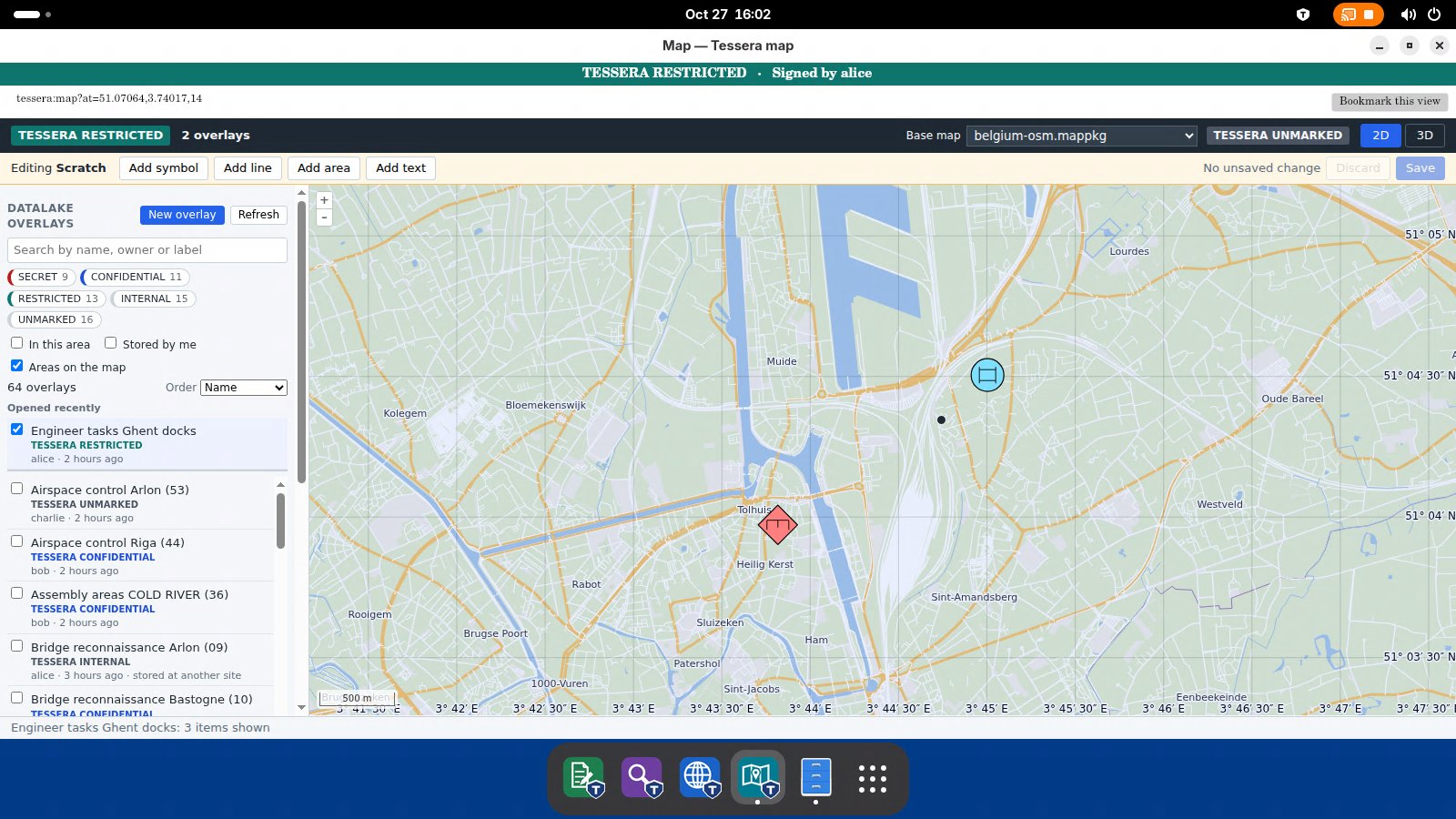
Each application shows the marking of what it displays and opens only what the user is cleared for.
Read-only viewing of protected documents and PDF files, with the marking on screen.
Access to approved web applications, with the marking of each page in a banner.
Labelled map overlays from the datalake, drawn on a base map that works without a connection.
The whole session runs inside one confinement that no application can loosen.
No terminal, no general-purpose browser, no printing and no removable media. These settings are locked, not just set by default.
Each user has private temporary storage. A file one user leaves behind is not visible to the next.
Use Tessera Desktop on the machine itself or reach it over remote desktop from a thin client.